 Pomododo
A simple todo list,
with a timer.
Pomododo — pronounced “pomo-doo-doo”. Pomodoro plus todo, with a smidge of humor.
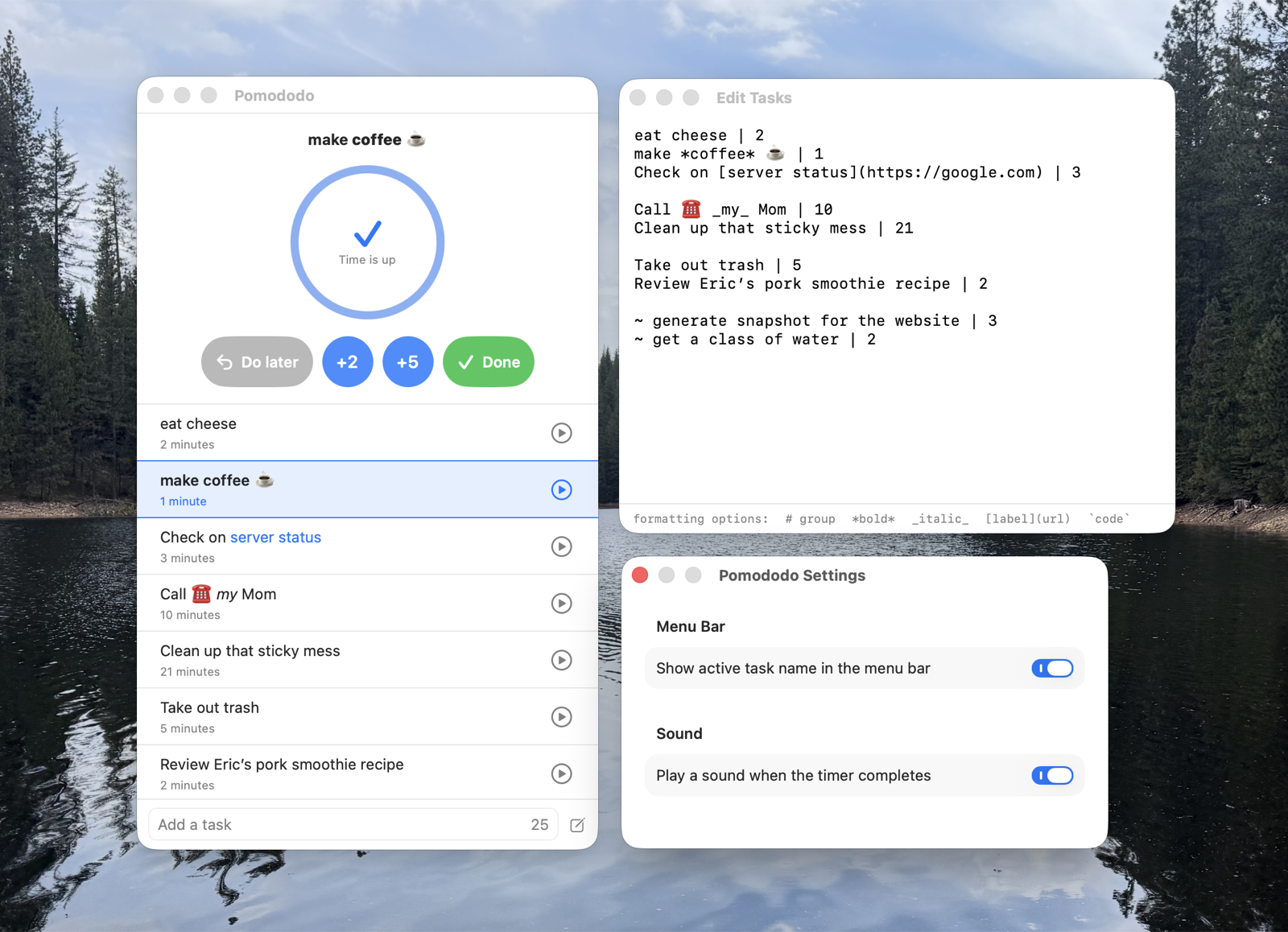
Pick a task. Start the timer. Get a cute little noise when it’s done. Mark it finished, or buy yourself a few more minutes.

Menu bar friendly
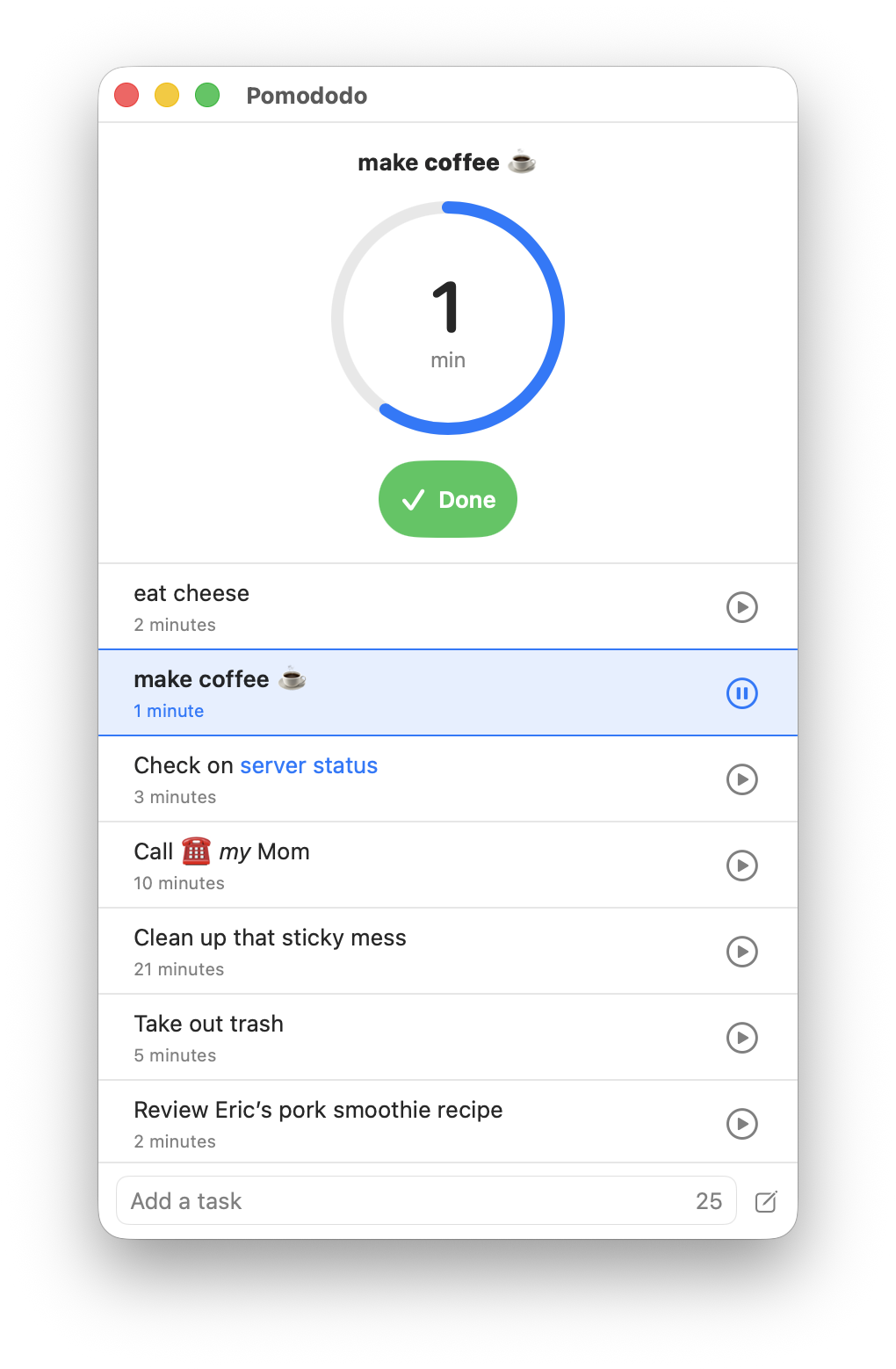
A pie chart shows time remaining. Pause and resume without leaving your work.
Plain text tasks
Your todos live in todos.txt. Edit in-app or any editor.
Shortcuts Automation
Use the mac shortcuts app to add, complete, and manage your tasks.
Stays out of the way
No accounts. No tracking. No internet required. Just a timer and a list.
Why did you make this?
Hi, I’m Brian. I’m terrible at remembering what I’m supposed to be doing, and even worse at guessing how long it should take. Maybe you’re a little like that too?
So I built Pomododo to help me out. Each todo is a line with a label and a chunk of time. Start the task, the timer runs, and when it’s done you get a cute little noise. Mark it finished, or tack on a few more minutes — whichever is closer to the truth.
The app tries to stay out of your way. Your tasks live in a plain text file. Edit them in the
built-in editor — which understands just enough markdown to be readable
(italic, bold, code, and
links) — or open the file in your
favorite IDE. Either way, the list is yours.
I hope you find it useful.